Fresh match-day reads
Newest verified preview and retrospective notes for lock-in preparation.
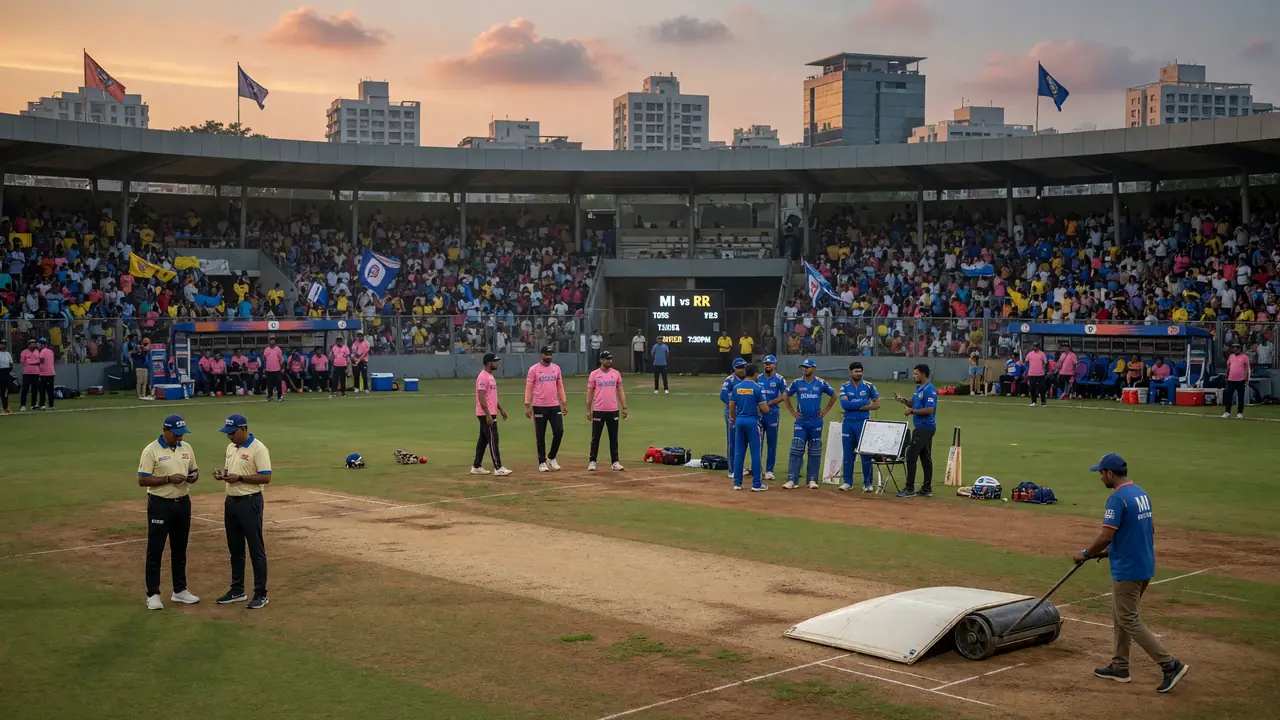
The lock-in window is the decision window
baj999 does not carry licensed live ball-by-ball feeds. What the desk does carry is the editorial context that changes your lock-in decision: a sudden XI change at the toss, a wet outfield, a dew update that flips the second-innings chase math. The Live Matches hub is the place where that context lands, updated as it is confirmed.
The desk does not project a likely XI before toss. The desk logs the XI once the toss has happened and the playing XIs have been announced. The captaincy call updates only after the XI is in.

Why the desk waits for the toss before logging the XI
Most fantasy platforms let you swap players between the presser window and the toss. The baj999 confirmed-XI desk waits for the toss announcement before logging the playing XI — because XI changes at the toss are common, and a swap to a player who is then rested is a loss the desk wants to spare readers.
Once the toss is in and the playing XIs are announced, the desk updates the squad reads on the baj999 Teams hub and the captaincy call on the baj999 Predictions hub.
How the toss flips the captaincy call
The toss is the single highest-information moment of the pre-match window. A captain who wins and chooses to bat changes the chase math; a captain who chooses to bowl changes the dew read. The baj999 toss desk logs the result with the team names, the choice (bat or bowl), and the implication for the captaincy call.
The captaincy desk updates the call when the toss lands. The match-call workflow uses the toss to lock in the captain pick — and the role-balance picks around it.
See the pre-toss prediction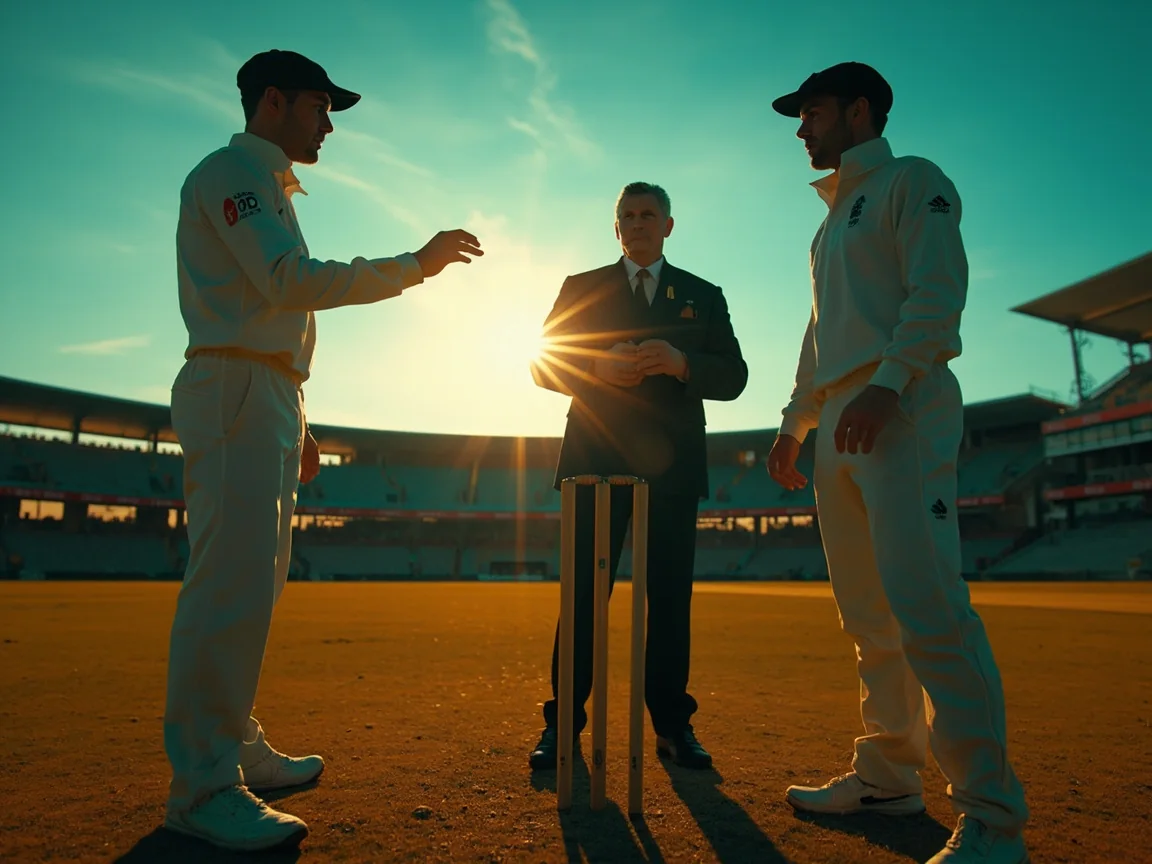

Why dew is the lock-in filter most often missed
On most evening IPL matches, dew arrives in the second innings. Once it does, the chasing team has a measurable advantage — bowlers who rely on spin grip struggle, fast bowlers with a good wet-ball yorker do not. The baj999 dew desk reads the groundskeeper's pre-match notes and the evening humidity forecast to flag when dew is likely.
The captaincy call updates with the dew read. If dew is heavy, the captaincy desk defaults to the chasing side; if dew is light, the desk keeps the call on the batting side.
Reading the pitch in the lock-in window
The curator's pre-match note is the last pitch read before lock-in. The desk logs the note with the curator's name and the venue — and updates the venue form table on the baj999 IPL 2026 hub.
Spinners' notes
A curator who expects spin grip will say so in the pre-match note. The desk logs the note, then updates the captaincy call toward spinners and middle-overs bowlers.
Pace notes
A curator who expects pace bounce will say so. The desk logs the note, then updates the captaincy call toward strike bowlers and bounce-resistant top-order batters.
Flat-deck notes
A curator who expects a flat deck will say so. The desk logs the note, then defaults the captaincy call to the in-form batter rather than the venue-history pick.

Late fitness news and how to handle it
Late fitness news lands in the open-net sessions and the pre-match pressers. The desk logs the news with the source — physio observation, presser quote, or training-ground read. Where the news is hedged, the desk publishes what is known and what is not.
The lock-in window is short, and the late fitness news often lands in the last hour before the deadline. The desk does its best to log the news before lock-in, and updates the captaincy call only when the news is confirmed.
The lock-in workflow, in four steps
A simple workflow for fantasy players using baj999 as their research base on a match day.
Morning — read the squad news desk
Open the baj999 Cricket News page first. The desk has logged the morning's pressers, training-ground reports and any squad news that has been verified.
Pre-toss — read the predictions desk
Cross-link into the predictions desk for today's match. The desk has logged the captaincy call, the venue read and the dew forecast — all three filters.
Post-toss — read the live-matches desk
After the toss, the desk updates the confirmed XI, the dew read and the captaincy call. Use this update to lock in the team eight minutes before the deadline.
After the match — read the corrections log
Once the match ends, the desk publishes the verified scoreline and any corrections to the captaincy call. The corrections log is open and dated.
What to read alongside the Live Matches hub
The Live Matches desk is most useful when read with the Predictions hub (for the captaincy call) and the Fantasy Tips hub (for deadline discipline).
A note on the lock-in window
The lock-in window is the decision window. Most fantasy mistakes happen in the fifteen minutes before the deadline, when an emotional edit overrides the research. The baj999 live-matches desk is built for that window — confirmed XI, toss, dew, late news — all in one place, so the reader does not have to jump across four sites to find the verified read.
The desk's recommendation is to lock in the team eight minutes before the deadline. Late XI changes happen, and a small cushion before the deadline beats a panic edit at the buzzer.
What changes between presser and lock-in
The lock-in window is the fifteen minutes before the deadline. Here is what changes between the presser and the lock-in.
The toss result
The toss flips the chase math. A captain who wins and chooses to bat changes the second-innings dynamic. The captaincy desk updates the call when the toss lands.
The confirmed XI
XI changes at the toss are common — a player pulled from the warm-up, a fitness concern. The desk updates the squad reads once the toss has happened.
The dew forecast
Dew arrives in the second innings on most evening IPL matches. The desk reads the groundskeeper's notes and the humidity forecast to flag when dew is likely.
Lock-in workflow, in five steps
A practical five-step workflow for the lock-in window. Run the workflow before every match during the season.
Open the squad news desk
Read the baj999 cricket news page first. The desk has logged the morning's pressers, training-ground reports and any squad news.
Open the predictions desk
Cross-link into the predictions desk for today's match. Read the captaincy call, the venue read and the weather call.
Open the live-matches desk
After the toss, the desk updates the confirmed XI, the dew read and the captaincy call. Use this update to lock in the team.
Lock in 8 minutes early
Lock in the team eight minutes before the deadline. Late XI changes happen, and a small cushion beats a panic edit at the buzzer.
Read the corrections log after
Once the match ends, the desk publishes the verified scoreline and any corrections to the captaincy call.
Live match questions, answered
Does baj999 publish live ball-by-ball scores?
No. Live ball-by-ball scores require official feeds that have not been licensed for editorial reproduction on baj999. The desk publishes the verified scoreline after the match closes.
When does the desk update the captaincy call after the toss?
The desk updates the captaincy call within minutes of the toss landing on the live-matches hub. The update includes the confirmed XI, the toss result, and the dew read.
What if the captaincy call changes late?
The desk publishes the change with the source. Where the call changes because of late fitness news or a confirmed XI change, the desk logs the change with the date.
Does the desk publish odds or implied probabilities?
No. baj999 does not publish betting odds or implied probabilities. The desk publishes editorial reads only.
How do I suggest a squad read?
Use the contact form. Presser tips and verified squad news are read by the editor on duty. The desk never publishes a story without a source.
Use the lock-in window as the decision window
The baj999 live-matches desk is built for the lock-in window. Read the confirmed XI, the toss, the dew report and the late news in one place — and lock in the team eight minutes before the deadline.